

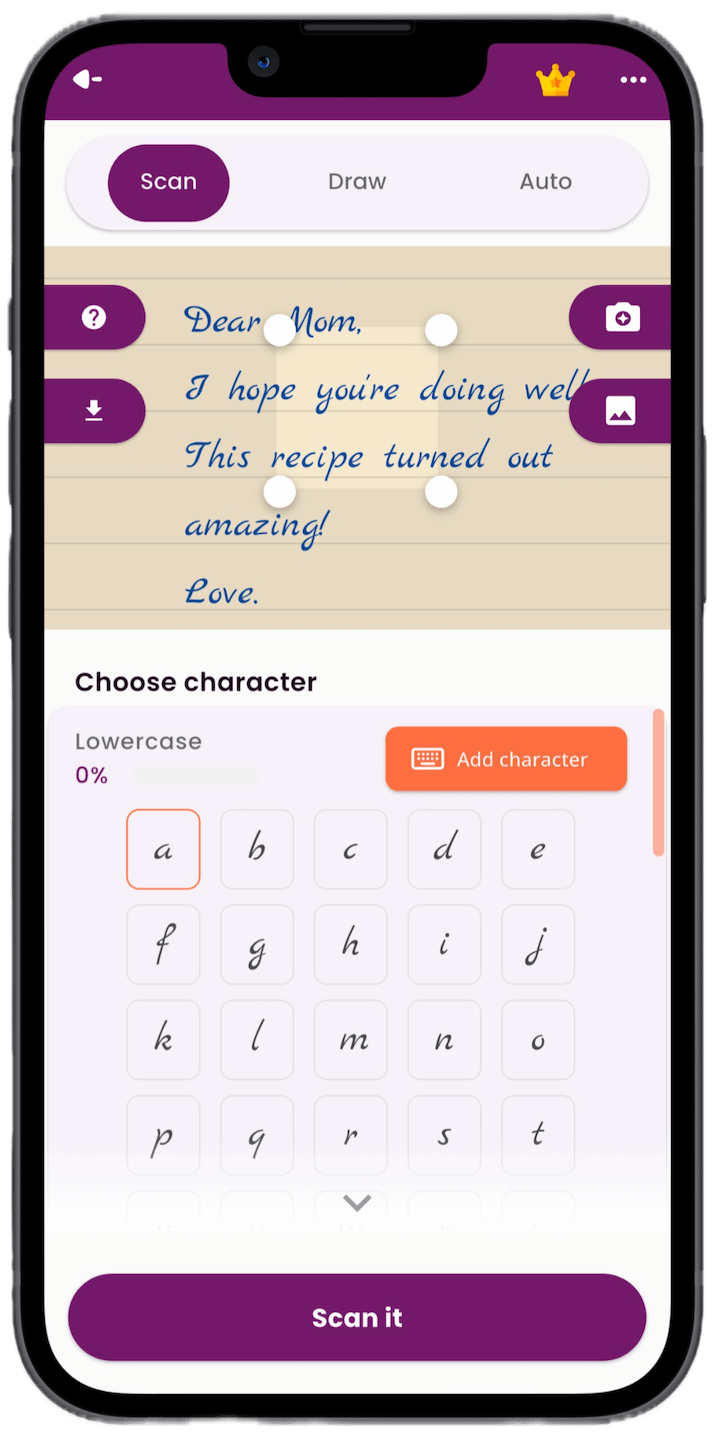
Scan Handwriting From Paper
Scan handwritten letters, numbers, and symbols from paper to start building your font.
Start with paper letters or draw directly on your device. Refine each character, preview real words, and type with your personal handwriting keyboard.


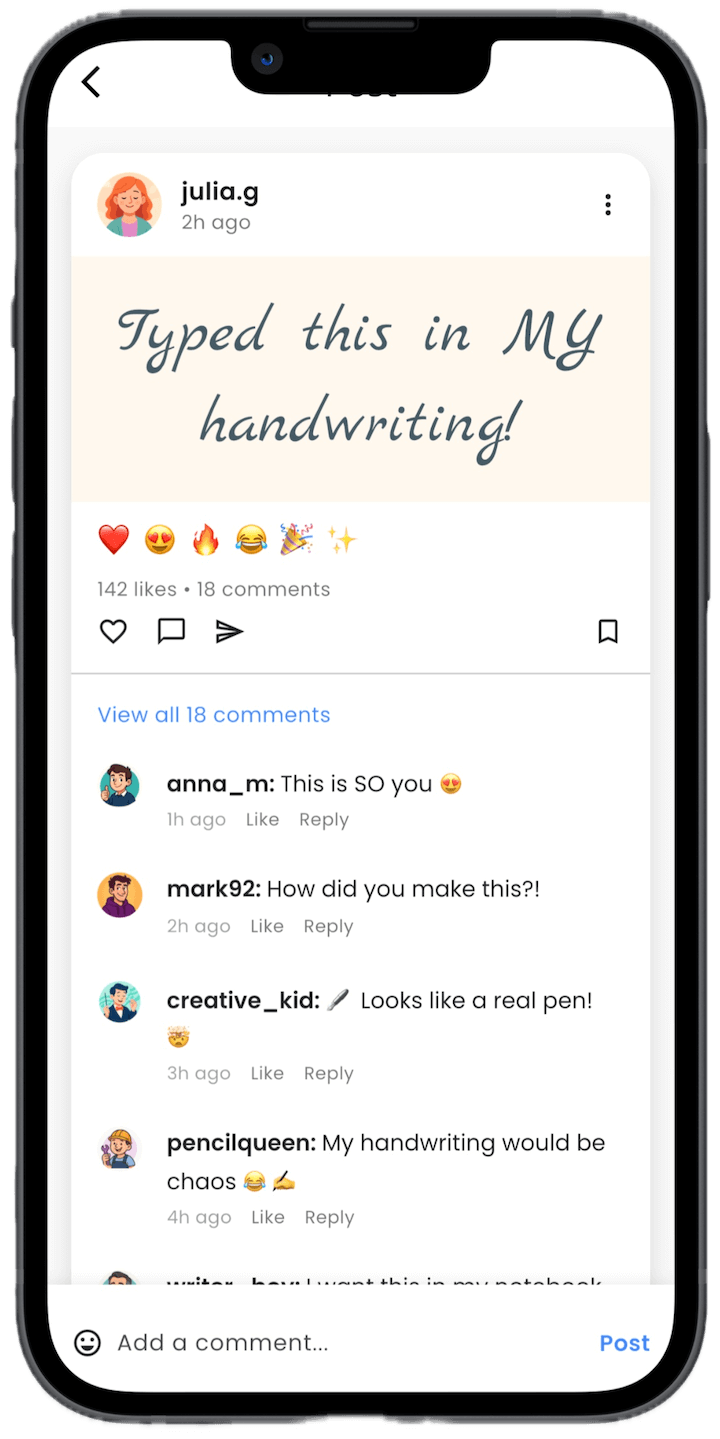
Capture your writing, refine characters, preview real text, and type with the result whenever you're ready.
Scan handwritten letters, numbers, and symbols from paper to start building your font.
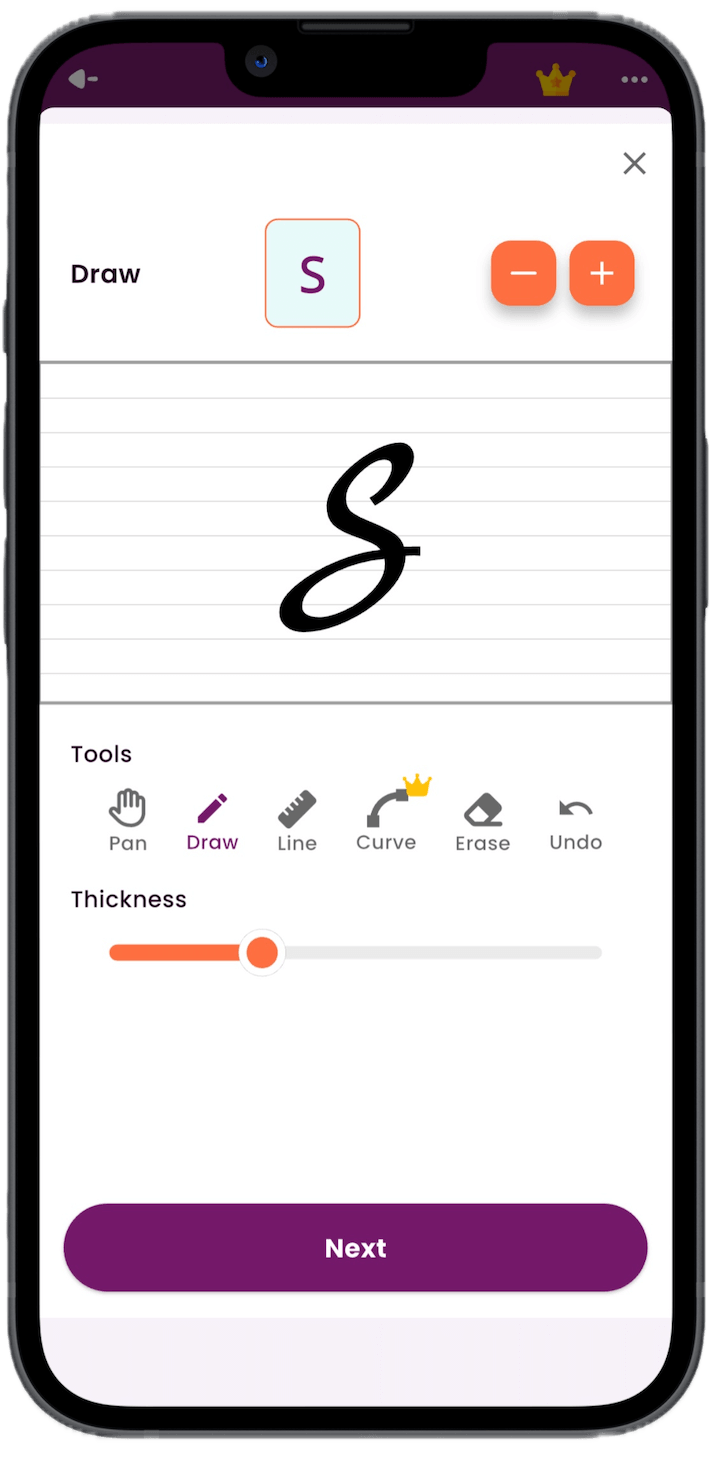
Draw missing characters, adjust strokes, and clean up the shape of your handwriting.
Test names, notes, quotes, and longer text before you use the handwriting style.

Type messages with your own handwriting style directly from the custom keyboard.
Use a font that feels like your writing, not a default typeface.
Give journals, cards, captions, and everyday messages a handwritten look.
Use a personal handwriting keyboard in the places where you already write.
Try demo styles inspired by historic handwriting from Einstein, da Vinci, Marie Curie, Gandhi, and more.
Create your style once, preview it, and reuse it instead of redrawing every word.
Scan a note, a recipe card, or an old letter and turn familiar penmanship into a reusable style. It is useful for family cards, printed keepsakes, personal notes, and memories that should still feel handwritten.
Grandma's apple pie
6 cups sliced apples
a pinch of cinnamon
and plenty of love. A recipe card, preserved as a handwriting style
Personal notes, journals, drafts, captions, and pages with more character.
Study notes, school pages, and saved previews that look less generic.
Custom handwritten accents for posts, designs, cards, and visual identity.
A loved one's letters or recipes, preserved as a style you can keep using.
“It is very easy to use.”
“𝓗𝓪𝓷𝓭𝔀𝓻𝓲𝓽𝓲𝓷𝓰 𝓕𝓸𝓷𝓽 𝓜𝓪𝓴𝓮𝓻 𝓘𝓼 𝓣𝓱𝓮 𝓑𝓮𝓼𝓽”
“A game changer for my writing projects.”
Write your letters on paper and scan them with your device camera, or draw characters on screen. Calligrapher helps you edit the letters and preview the result.
Yes. Calligrapher works on iPhone, iPad, and Android devices, so you can create and preview your handwriting font across phones and tablets.
Yes. You can use hand lettering or everyday handwriting as the starting point, then refine the characters in the app before using the style.
Yes. Calligrapher includes a personal handwriting keyboard for supported apps, so you can type in the style you created.
Turn handwriting into a font you can preview, type with, and reuse.